Nuke 17 review
Nuke 17 Beta Is Here!
The Nuke you know is evolving and Nuke 17 is shaping up to be one of the biggest updates for 3D compositors in years. The Foundry has rethought how artists work inside the 3D environment, introducing a new level of control, speed, and integration. From USD import tools to motion blur tailoring and real-time material projection, this version isn’t just an upgrade, it’s a serious workflow shift. And yes, we’ve already been testing it.
A New Era for 3D in Nuke
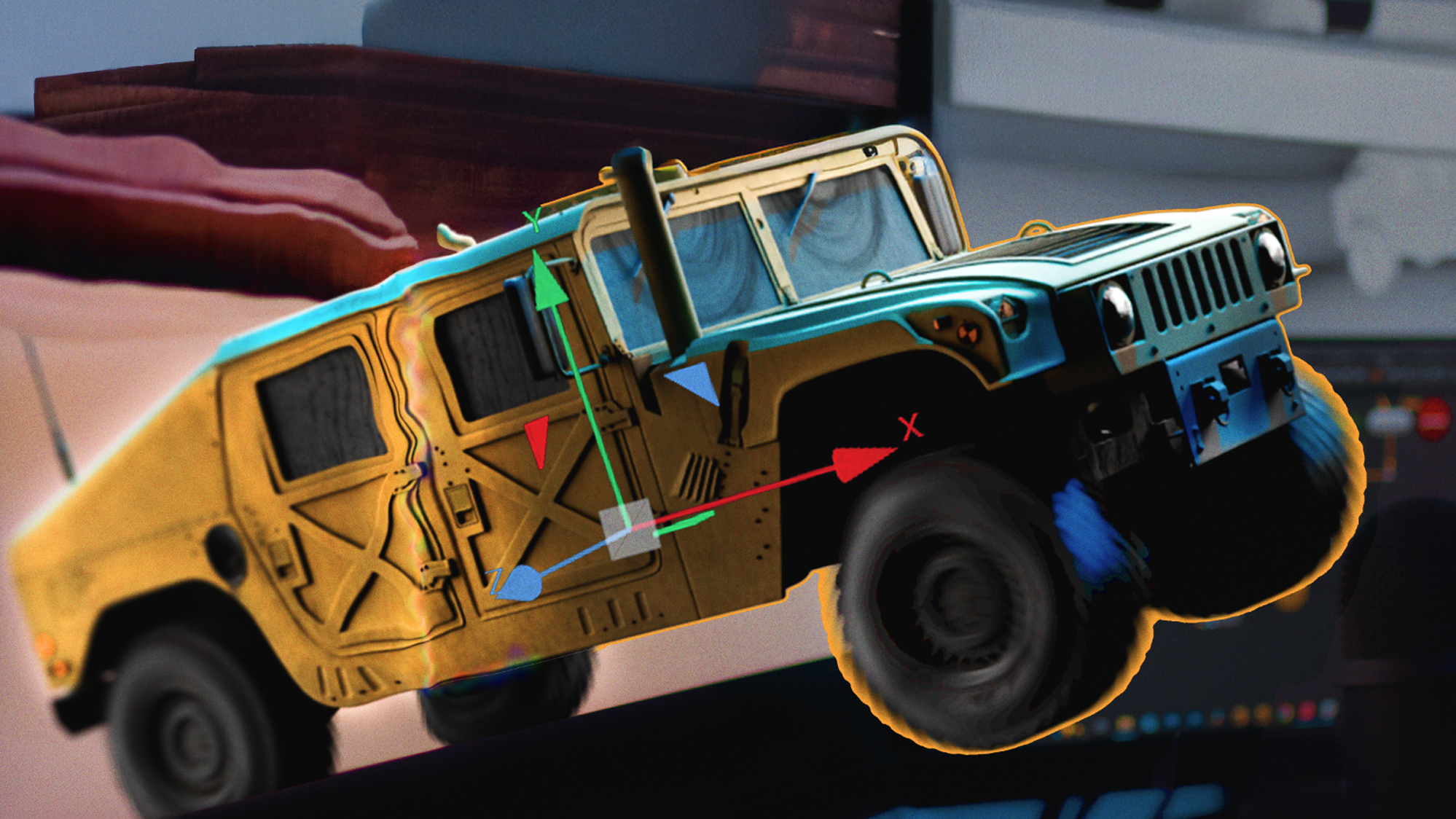
One of the most exciting aspects of Nuke 17 is how it reshapes 3D scene management. The GeoNode ecosystem, now out of beta, gives artists powerful tools to work with USD and Alembic files natively in Nuke. From import to refinement, the process is smoother, more visual, and customizable. Need to isolate a mesh, apply a change, then reapply global tweaks? Use the new GeoMask and GeoClearMask nodes to surgically apply modifications without turning your script into spaghetti. Plus, thanks to the scene graph filtering, you can quickly select, isolate, or re-import elements based on your evolving needs — perfect for large, multi-pass workflows. This directly supports artists who work with complex model-based assets, like those in our Humvee Collection, which was used in this walkthrough to demonstrate the update’s flexibility.
Lighting and Cameras That Actually Behave
Nuke 17 introduces streamlined support for camera and light data, both of which can now be pulled directly from your USD scene with a few clicks. This is made possible by the GeoImport system, which automatically populates camera and light values into Nuke, cutting down setup time significantly. Better still, the lights now show up visually in the 3D viewer with color-coded interfaces, making it easy to tweak, identify, and balance them without diving through metadata. Reflection and visibility issues can be corrected with basic shader overrides, a big win for realism, especially when compositing real-world fire, explosion, or surface interaction footage.
ACES 2.0 & TBI Upscaler: Faster, Smarter, Sharper
Color management gets a lift with ACES 2.0 now supported natively, giving studios working in HDR and wide color gamut a stronger baseline. The updated TBI scaler also unlocks faster image upscaling, boasting 98x GPU and 26x CPU performance improvements. These aren’t just impressive benchmarks, they translate to real-time playback and faster client approvals.
Hello Ray Depth.
Need to parent a digital card to a moving 3D object (like attaching smoke to a vehicle exhaust)? The new GeoTransform and GeoConstrain nodes let you snap to mesh vertices and bake or preserve animation. Whether you're tracking ActionVFX assets into your scene or anchoring digital dust trails to a destruction sim, these tools give you options. You can now iterate without redoing setups every time an animation changes.
MaterialX Support & Future-Proofing
While still in beta, the early MaterialX integration gives Nuke a clearer future in modern DCC pipelines. You can now bring in Autodesk standard shaders directly into Nuke, which is a strong move for teams working between Maya and Nuke, especially for previews, look-dev, or quick material testing.
Tailored Motion Blur
Scanline Render also got an upgrade. You can now apply selective motion blur, adjusting which objects receive blur, how much, and how it’s calculated. This is huge for precision in fast-cut sequences or stylized shots where control matters more than realism.
Watch Our Hands-On Nuke 17 Review
Want to see these features in action? We walked through the Nuke 17 beta using real assets from our Humvee collection to show exactly how the new tools work in a production-style comp. From scene graph filtering to practical lighting integration, it’s all in there. Watch the full review here and see how Nuke 17 performs where it matters most: inside a real shot.
Ready to Try It?
The public beta for Nuke 17 is out now. Download it, experiment, and see how it changes your workflow. And if you’re looking for assets that let you make the most of these new tools, you’ll find everything from fully 3D vehicles to multi-light practical fire, damage overlays, and AI-ready source clips in the ActionVFX library. Build your scene faster with studio-grade assets → Explore the Library