Advanced AI Workflows for VFX Artists

Advanced AI Workflowsfor Hybrid VFX Pipelines

Learn advanced AI tools that bolster Nuke-based post-production pipelines.

Duration
7 hours
Release Date
Preorder • May 12, 2026
Software Used
ComfyUI, Nuke, Resolve, Beeble, Claude
The Skills You'll Gain
Write custom ComfyUI nodes and automate pass prep using LLMs
Develop a Nuke-based relighting workflow with AI-extracted lighting passes from live footage
Replace or refine faces consistently across a full sequence
Build matte paintings and environment extensions with ComfyUI and Nuke
Your 19-Module Roadmap
Every module builds toward a toolkit ready for your next shot.
1

Course Introduction

Hardware and cloud compute setup
Overview of key AI tools and services used in the course
2

Project Setup

Shot and sequence based workflow setup
Project level nodes and reusable subgraphs
Output strategy and file formats (EXR)
3

Matte Creation

AI assisted matte creation and roto workflows
Supplemental matte tools for when higher quality is required
4

Utility Passes

Depth pass generation
Normals pass generation
Material and lighting related utility passes using Beeble
5

Cleanplating

AI driven cleanplate workflows
Shot segmentation, garbage mattes, and outputting
Bringing the clip into Nuke and combining all passes into one EXR
6

Pipeline Tooling

Using LLMs to create a Python pipeline tool for building custom ComfyUI nodes
Automating pass assembly into layered EXRs ready for Nuke
7

3D Camera Tracking

3D camera tracking a cleanplate in NukeX
8

Sky Replacement

Restyling drone footage into different times of day and settings using ComfyUI
Generating environmental variations various tools in ComfyUI
9

Matte Paintings & Set Extensions

Generate architecture and environment assets for background elements
Use ComfyUI to generate and track matte paintings across the shot
Refine and integrate the matte painting in Nuke
10

Face Replacement

AI-assisted face replacement in ComfyUI
Soft roto, integration, and output refinement in Nuke
Regenerating the actor matte with a replaced head
11

Shot Assembly in Nuke

Import and organize all passes into a single Nuke script
Final resolution management and project setup
Begin assembling the full comp
12

Fire Integration

Composite fire elements in Nuke with interactive lighting
13

Relighting

Use Beeble to generate lighting passes from footage and relight characters and environments in Nuke
Installing and using the Beeble node in Nuke
14

Environmental FX Integration

Place smoke, ash, and ember cards in 3D space in Nuke
Depth-based layering and compositing techniques
15

Final Comp & Polish

Shot cleanup and script organization
Final balance and detail work
16

Frame Extensions

Create a new establishing shot using the final matte painting and ComfyUI
Take the final comp frame through img2video generators
17

Lens Flares

Adding a flare in Nuke using a BorisFX flare pack
Practical integration tips for compositing flares
18

Upscaling & Footage Prep

Upscaling footage with Topaz Labs or ComfyUI
Exporting a color grade LUT for students
19

Wrap Up

Downloadable Resources Included
Ready-to-use project files
4K practice footage plates
Learn From a VFX Veteran
Senior Compositor & Creative Technologist
Doug Hogan
20+ Years in VFX
400+ Projects Delivered
600+ Students Taught

Doug Hogan has spent 20 years as a compositor and creative technologist at some of the industry's most advanced studios. He currently works as Senior Creative Technologist at Groove Jones and consults with the ComfyUI team directly on studio-grade pipeline features — work recognized by sponsorships from Dell and The Foundry.

His compositing credits include Space Jam: A New Legacy, G-Force, Scoob!, and Free Birds.

In this course, you'll learn the workflows Doug uses, builds, and teaches every day.

Why Now?
Advanced AI Workflows for Hybrid VFX Pipelines

In Advanced AI Workflows for VFX Artists, you'll learn how emerging AI tools in softwares like ComfyUI, Runway, Beeble, and Nuke can fit into a modern post-production pipeline. You'll walk away understanding how to think about AI, integrate it within a hybrid pipeline, and how to adapt as individual tools continue to evolve.

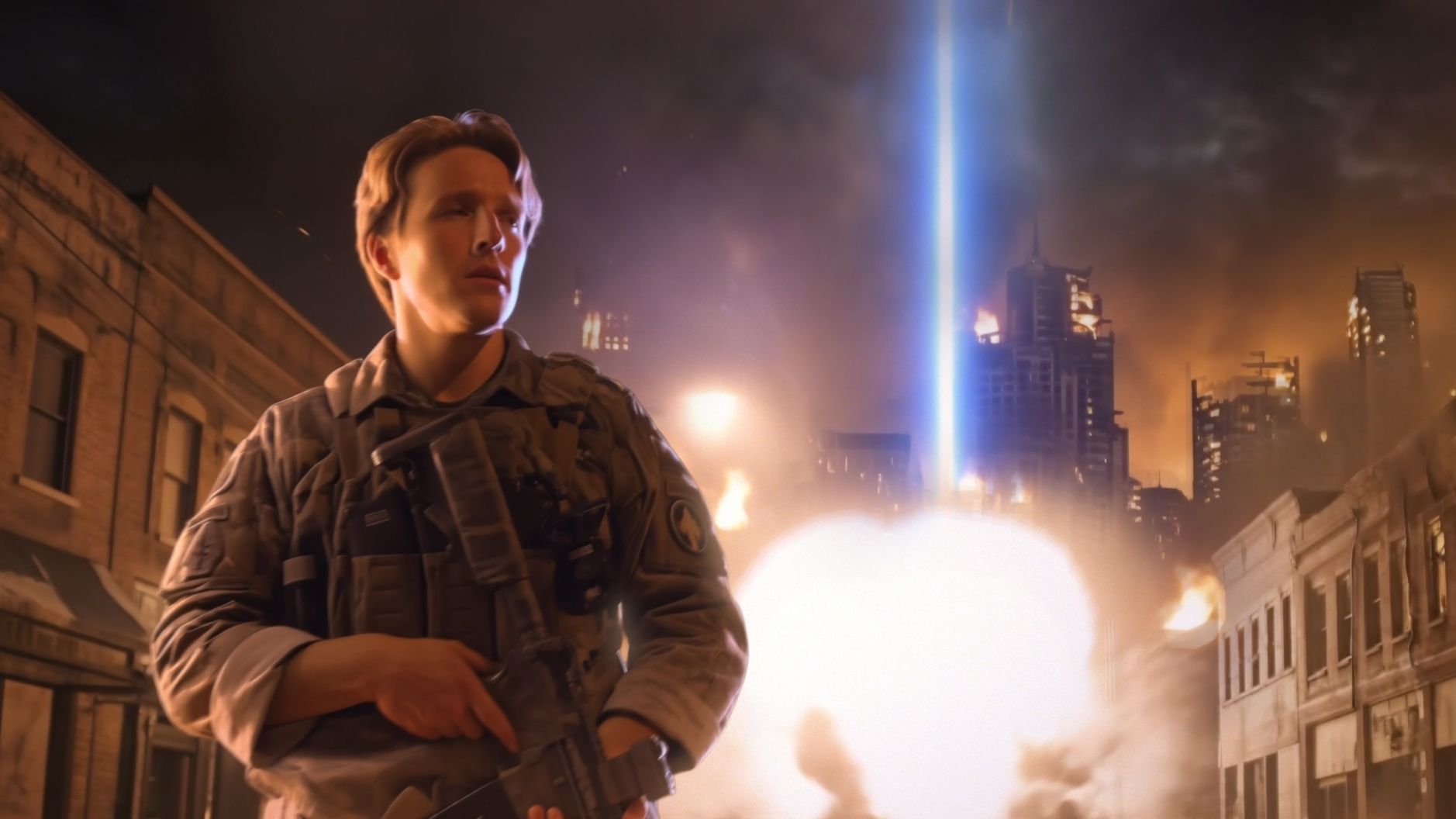
The course reframes familiar compositing tasks by building a complete shot from start to finish.

The goal of this course is not to teach you how to make an "AI movie." But it will help you understand when and how to turn to emerging tools to help, not replace, the craft.

Relight shots using depth, normals, and lighting passes from multiple LLM-assisted tools
Handle cleanplates, matte paintings, and face replacements with a hybrid workflow
Track shots in 3D and integrate elements in Nuke's 3D space
Build custom nodes and automate pass assembly
Make technical decisions about when and how to use AI to support the shot
Prerequisites
Built for intermediate to advanced Nuke compositors.

Built for intermediate to advanced Nuke compositors with some experience in ComfyUI. If you've completed Intro to ComfyUI for VFX, you're ready. Python experience in Nuke is helpful, but you'll build what you need as you go.

One-time investment
One Course. Everything Inside.
This is the cost of two days of a typical VFX artist's salary.
Invest in a skill that saves you hundreds of hours in cleanup, roto, and matte work.
Every update to the course, included. Forever.
Downloadable plates and workflows included
Official Certificate of Completion
Private Discord community access
Secure payment • Instant access • 30-Day Guarantee
Advanced AI Workflows for VFX Artists
PreorderReleases May 12, 2026
7 hours of content
Free course updates
Private Discord community access
$399
$599
SAVE 33%
Preorder discount ends on May 12, 2026
30-Day Money-Back GuaranteeBuy without risk! We guarantee your satisfaction or we'll give you a refund.See our Terms and Conditions