Make Nuke WorkFor You
Learn Python in Nuke from scratch, and go from a tool user to a tool builder.


Introduction & Setup
External IDE and Python Fundamentals for Nuke Artists
Object-Oriented Programming (OOP)
Nuke’s Python API Essentials
Nuke’s Python API Essentials
Customizing Nuke's Interface and Building a Mono Repo
Customizing Nuke's Interface and Building a Mono Repo
Panels & User Interfaces
Panels & User Interfaces
Creating a Chatbot for Nuke
GenAI in Nuke: Creating an AIEdit Gizmo
Course Conclusion & What's Next


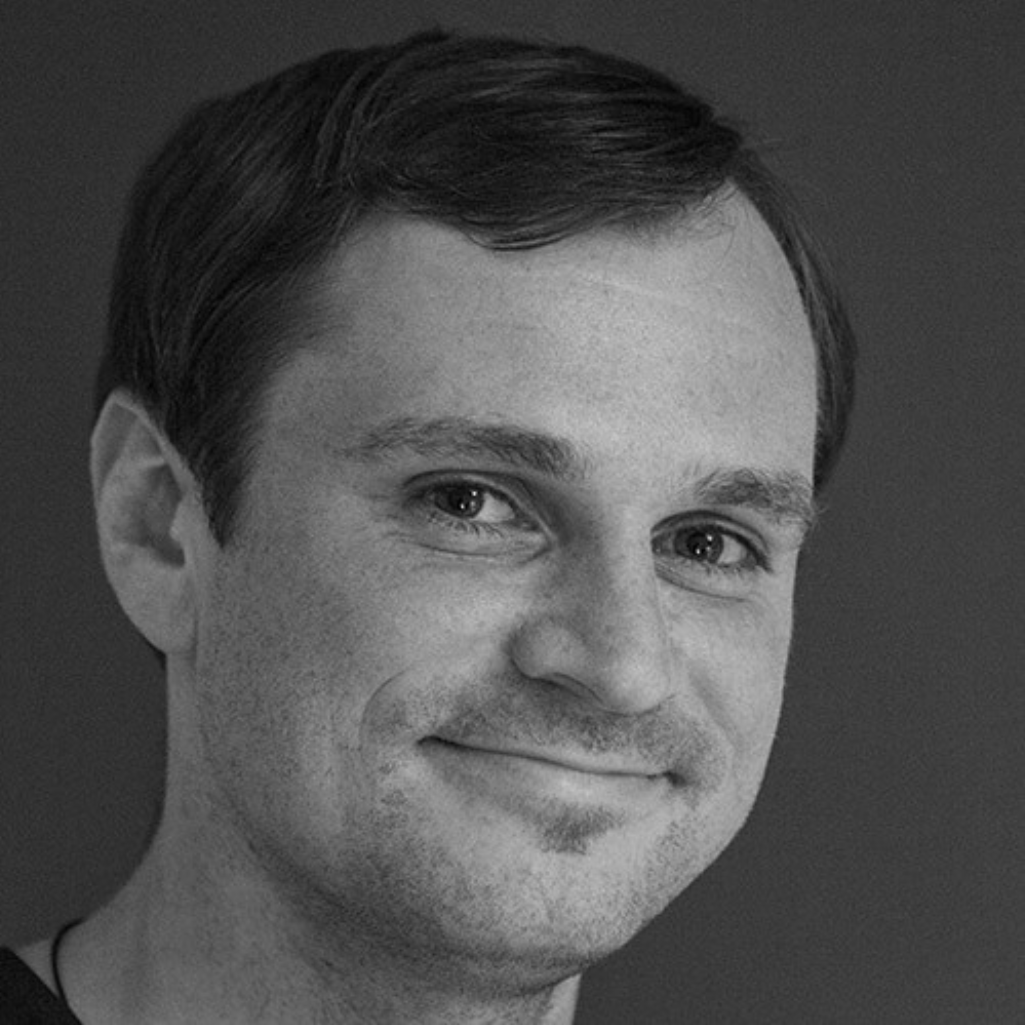
Simon Jokuschies has over 14 years of industry experience, working both as a digital artist and on the technical side of visual effects. Since 2017, he has specialized as a Nuke and Core Pipeline TD, contributing to major pipeline overhauls across 2D, 3D, and core pipelines at studios such as Pixomondo and Scanline VFX.
In addition to his studio work, Simon is the founder of cragl vfx tools (www.cragl.com), where he develops advanced, large-scale software solutions for Foundry's Nuke.
In a 2026 poll, hiring managers at both large and boutique VFX studios voiced the same frustration: most compositors can't create and maintain their own Nuke tools.
Nuke was built to be extended, but most artists never use its scripting layer because nobody taught them how. That matters more now than it used to. Smaller teams, tighter timelines, and evolving pipelines mean the people who stand out are not just the ones who can operate Nuke. They're the ones who can build when something doesn't exist, fix when something breaks, and automate the work that shouldn't take a human every time.
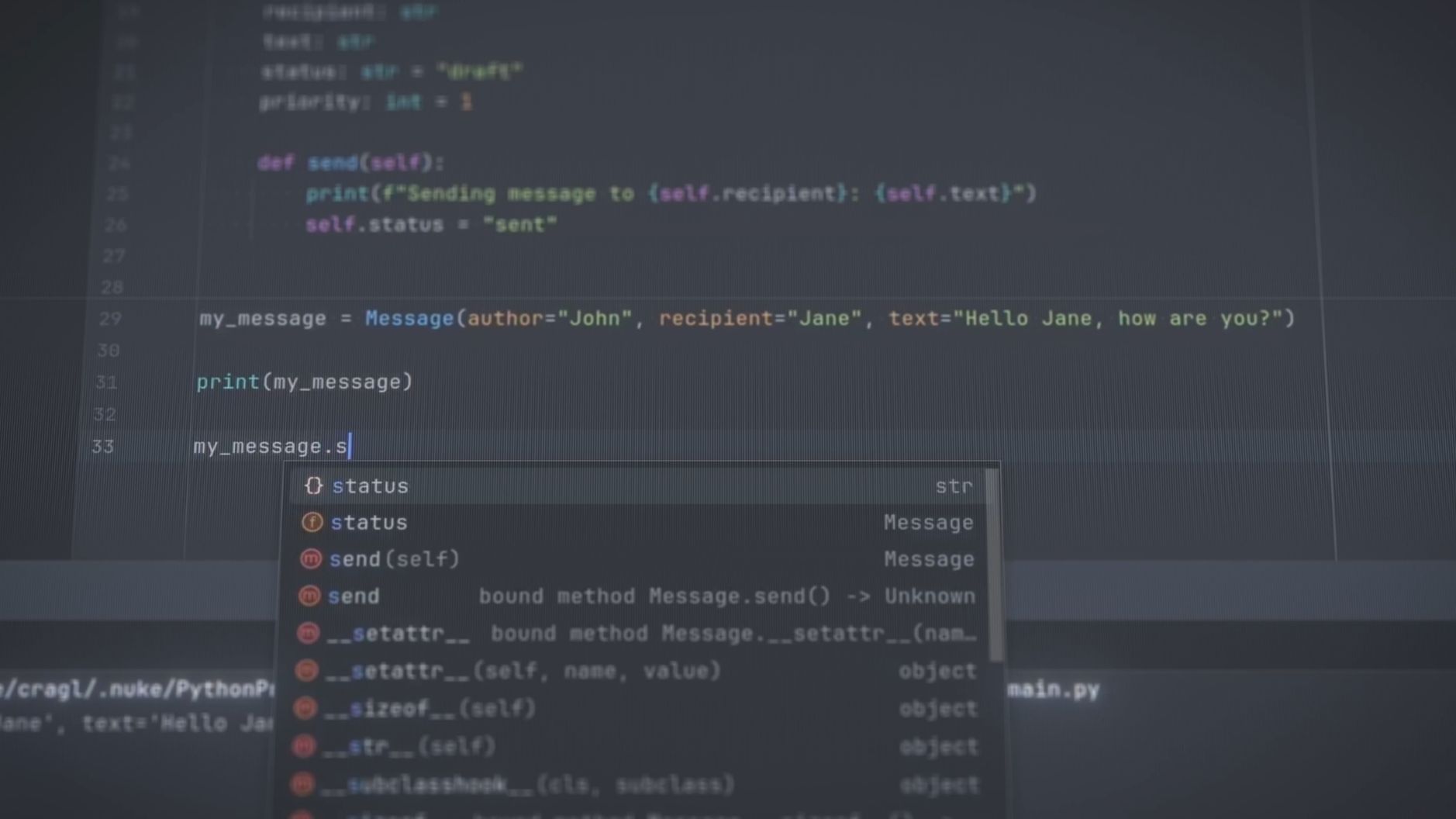
Python is how you get there, and it's the layer of Nuke most artists skip. In this course, you'll go from a tool user to a tool builder.
This course requires basic familiarity with Nuke's interface and how to create nodes. No prior Python or programming experience is required.
Nuke 16 or later (paid version) is recommended. Nuke 13-15 will work with some adjustments.
This course requires basic familiarity with Nuke's interface and how to create nodes. No prior Python or programming experience is required.
Nuke 16 or later (paid version) is recommended. Nuke 13-15 will work with some adjustments.
Nuke 16 or later (paid version) is recommended. Nuke 13-15 will work with some adjustments.
The AI chatbot and GenAI gizmo connect to external APIs. They don't require a high-end local machine. A standard working Nuke setup is sufficient.
Students need a paid version of Nuke. A free 60-day trial is available for ActionVFX Academy students, courtesy of The Foundry (sent via email after course launch).
OpenAI's API charges for usage on a pay-as-you-go basis. Students should expect to spend $5 during the course to use the AI chatbot. After that, OpenAI charges a similar amount based on credit usage.
Yes. All modules are pre-recorded and available immediately upon enrollment. You have lifetime access, including all future updates.
Yes. Upon completing the course you'll receive an official ActionVFX Academy certificate of completion.
You'll walk away with a working knowledge of Python, a mono repo toolkit of custom Nuke scripts and interfaces ready to use on real shots, and two AI integrations you built yourself: a chatbot and a GenAI image-editing gizmo. More importantly, you'll have the skills to keep building your own tools and automations from here.